
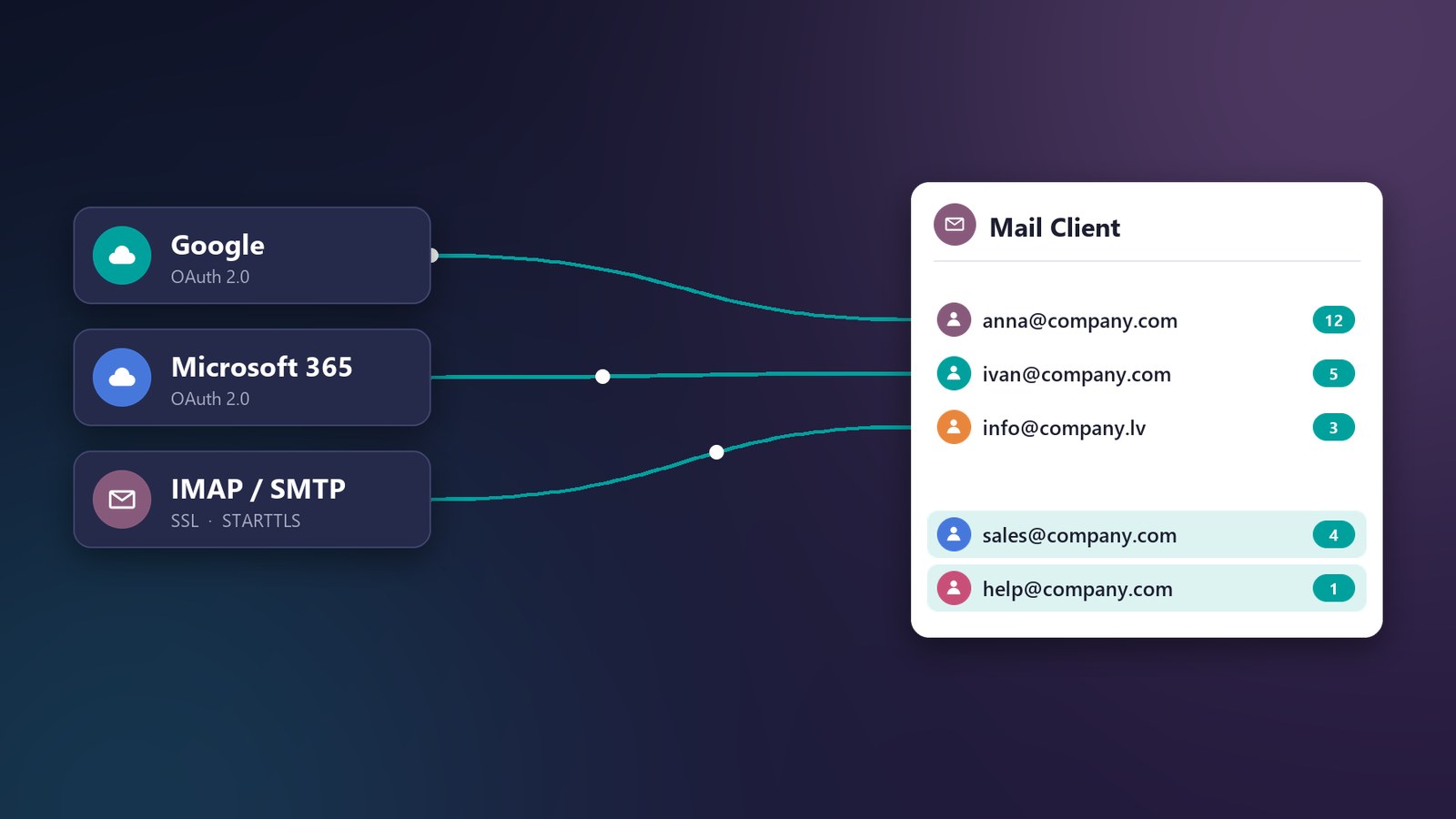
sales@, info@, help@, purchase@… Every address comes with its own bill from Google or Microsoft. Every month. Mail Client brings all your email into Odoo – your regular mailboxes and virtual ones, side by side in one window.
Two kinds of mailboxes, one window
Mail Client works with both kinds of mailboxes at the same time:
- Regular mailboxes – your existing Google, Microsoft 365 or any IMAP/SMTP account. Mail Client works as a full web client for them: read, reply, sort and search right in Odoo.
- Virtual mailboxes – addresses like sales@, help@ or purchase@ that run through one of your regular accounts. No separate licenses: each gets its own inbox, sender name and signature.
Use both side by side: a personal mailbox for every employee and shared virtual addresses for every team – in the same sidebar.
What does your sales@ really cost?
Take a typical company. Anna and Ivan sell, and there is also support and purchasing. That makes five addresses – and five paid mailboxes in Google Workspace or Microsoft 365.
But licenses are only the start. Next come five email tabs in every browser, passwords on sticky notes and the endless “forward me that client’s email”. Meanwhile, the deal in your CRM has no idea the client sent an important question yesterday.
Email lives in one place, work lives in Odoo. And you pay for that gap twice: in money and in time.
One account – as many mailboxes as you need
We built Mail Client – an email client that works right inside Odoo. The main idea sounds almost too simple:
you connect one real Google or Microsoft account, and in Odoo you create virtual mailboxes: sales@, help@, purchase@ – even a separate one for every employee.
Emails to these addresses arrive through your main account and are sent through it too. You still pay for just one account.
Regular mailboxes: a full web client
Mail Client is not only about virtual addresses. It is a full web client for regular email: connect a personal Google or Microsoft 365 mailbox with OAuth, or any other mailbox over IMAP/SMTP – and read, reply to and sort your email right in Odoo.
Physical and virtual mailboxes sit side by side in one sidebar. Open the “All mailboxes” view to see everything at once, or share a physical mailbox with several colleagues.
For employees, it is just email
Anna opens the sales@ mailbox and sees only the emails addressed to the sales team. No one else’s conversations, no “who is this for?”.
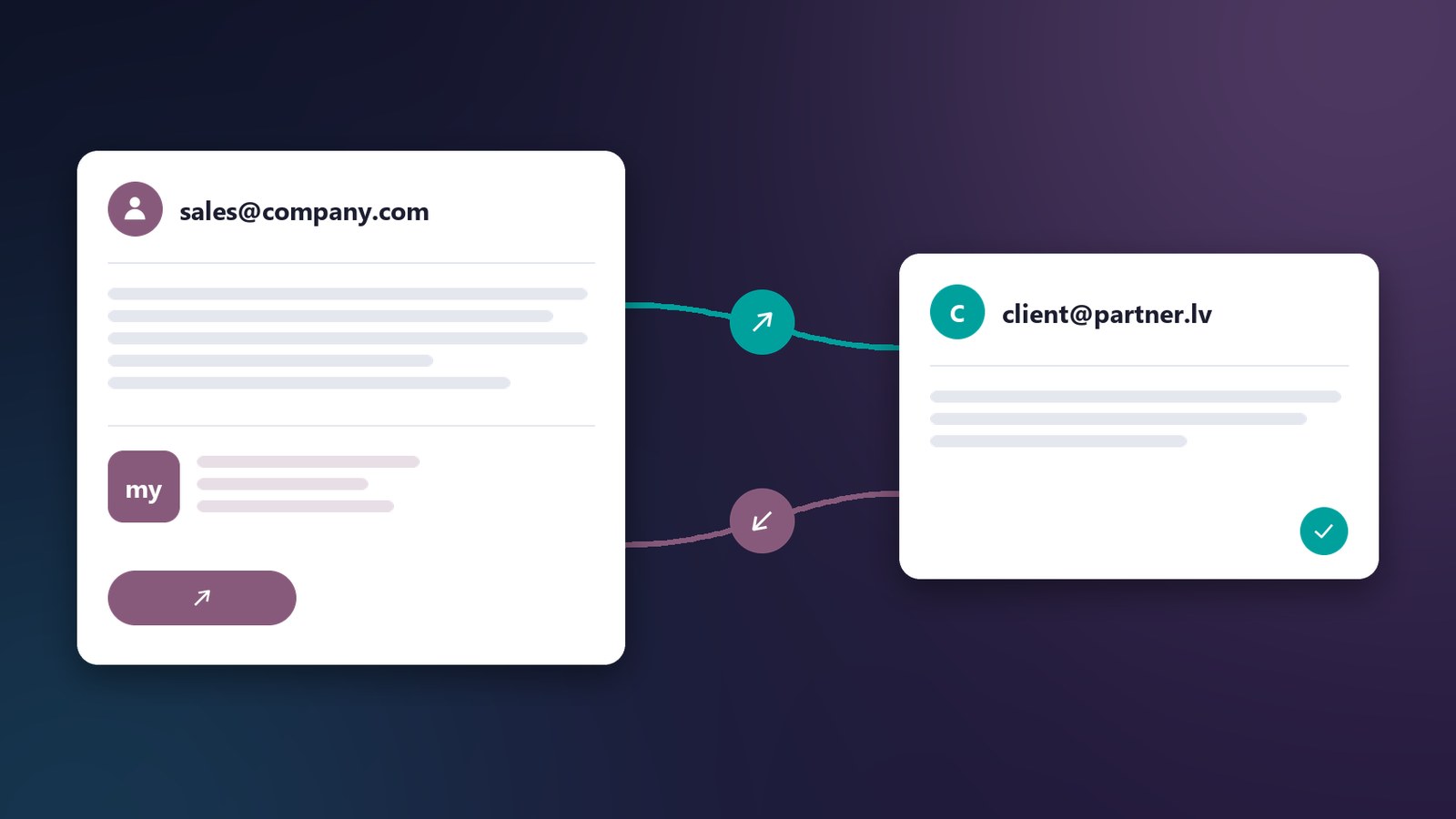
She replies to a client – and the client receives an email from “Sales Team <sales@company.com>” with the company signature. Not from a technical account, not “on behalf of”, but exactly as if the team had its own paid mailbox.
No email gets lost
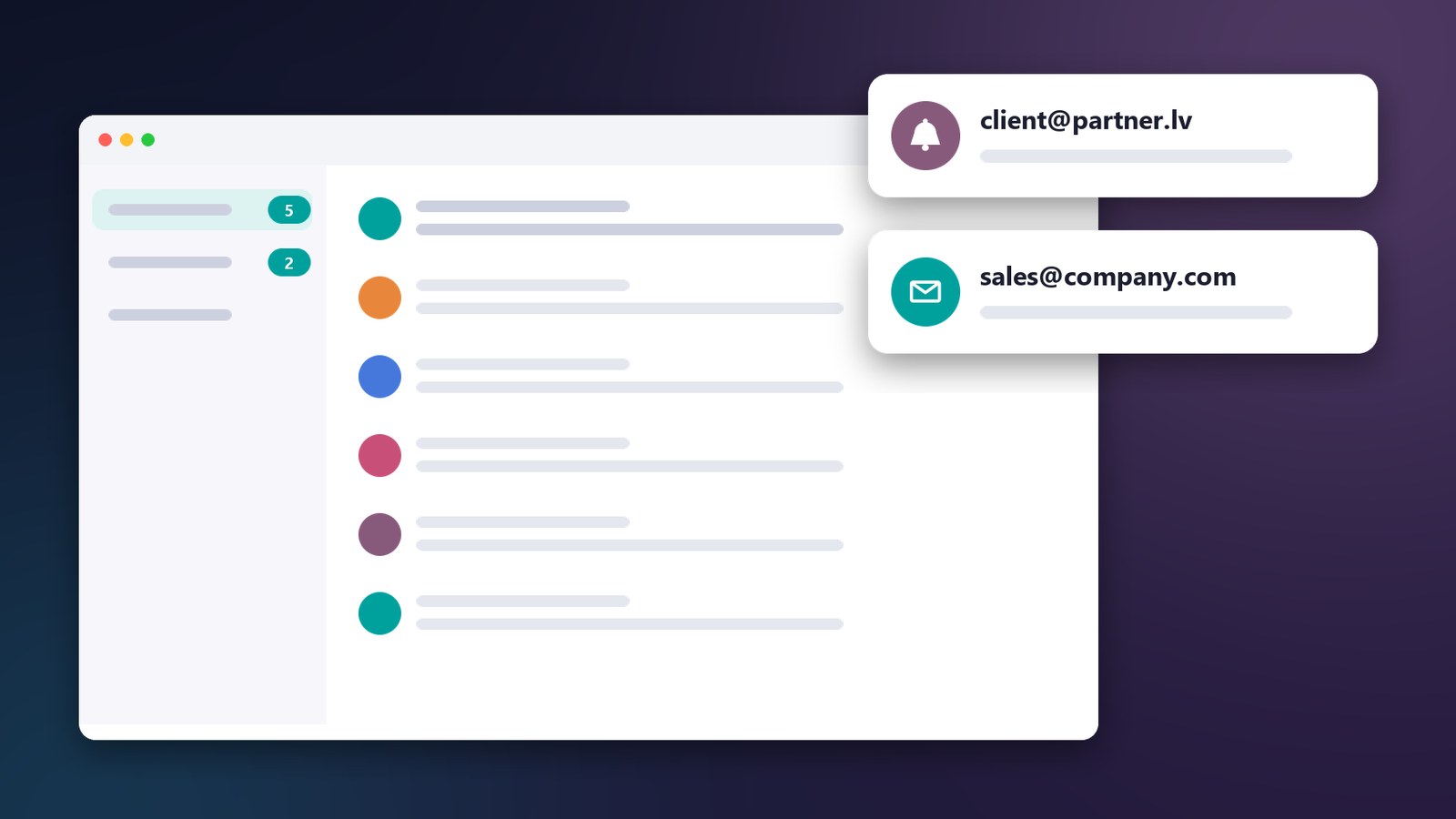
New email? Odoo shows a notification right away – both in the system and as a browser pop-up, even when the email tab is closed.
Members of a virtual mailbox get it in Odoo Discuss. No duplicates: if an employee is already among the recipients, they will not get an extra email.
Email → deal in one click
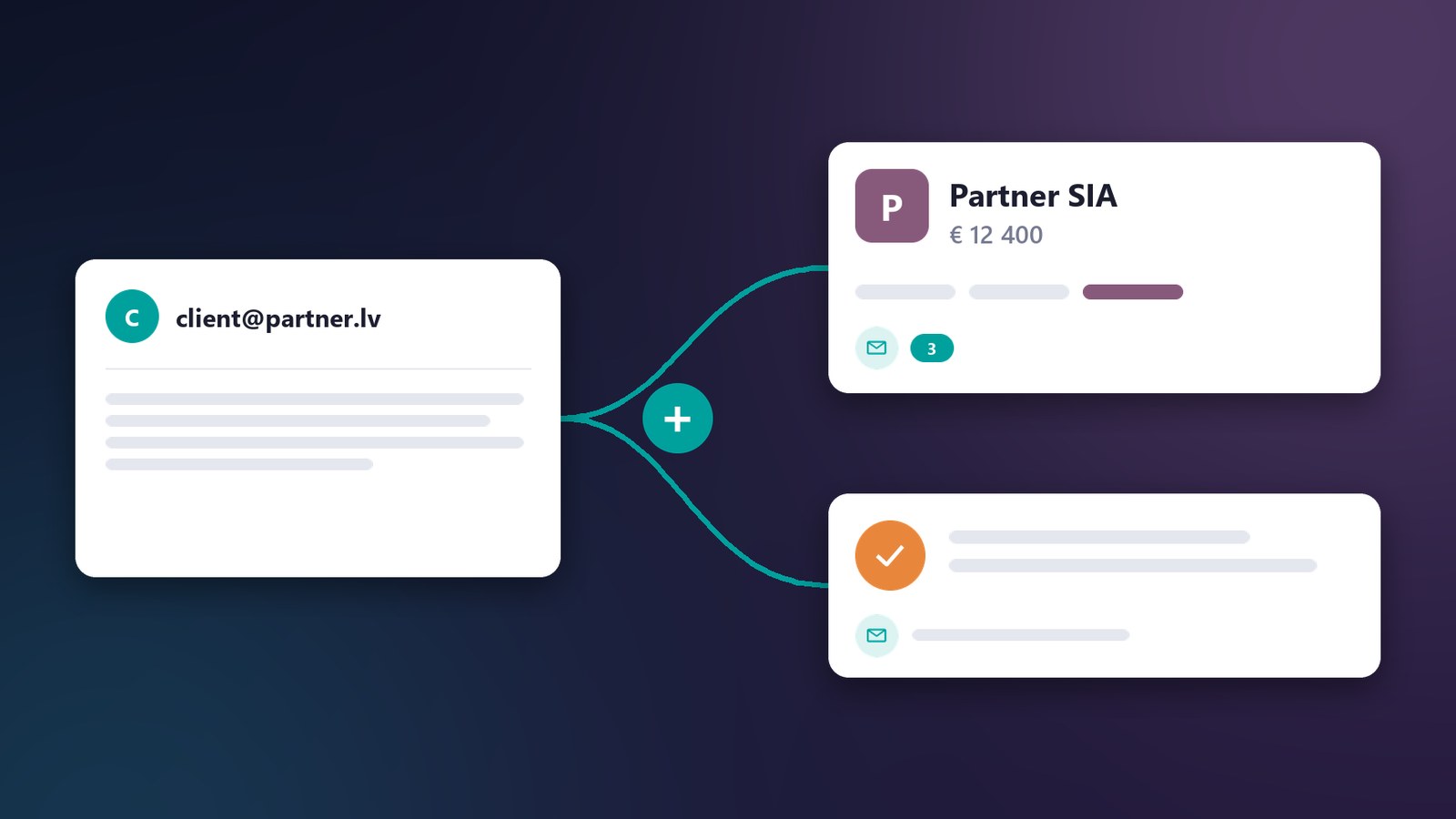
This is why email belongs in Odoo in the first place. Above every email there are two buttons:
- “Link” – the email is attached to a deal, order, task or contact. A month later, the whole history with the client is in their record.
- “Plus” – a new record is created straight from the email: a lead, a task, anything. The email text is already inside, nothing to copy.
A meeting invitation? Mail Client shows it as a card, and one click puts it in the Odoo Calendar.
You decide who sees what
Every mailbox has its own rights: Viewer – read only, User – read and reply, Full rights – also manage folders.
The manager sees the team’s email, sales reps answer clients, an intern only reads. No shared “sales@ password” that half the company knows.
Secure by default
- Google and Microsoft connect via OAuth – no email password is stored.
- Passwords for other mail servers are stored encrypted and are never visible in the interface or through the API.
- Emails open in an isolated frame: scripts do not run, and tracking images stay hidden until you trust the sender.
And everything people love about regular email
Threads, colour tags that sync with the server, several drafts in floating windows, PDF preview right in the email, a shared address book with Odoo contacts and fast search. No need to learn anything new – just stop switching between windows.
Shall we calculate your savings?
Write to info@myacc.pro or book a demo. We will show you Mail Client on your own company’s example and work out how many mailboxes you can stop paying for.